How to delete the registered credit card details?
Click on My Account>Plans>Premium>Plan Settings to open a pop-up window.
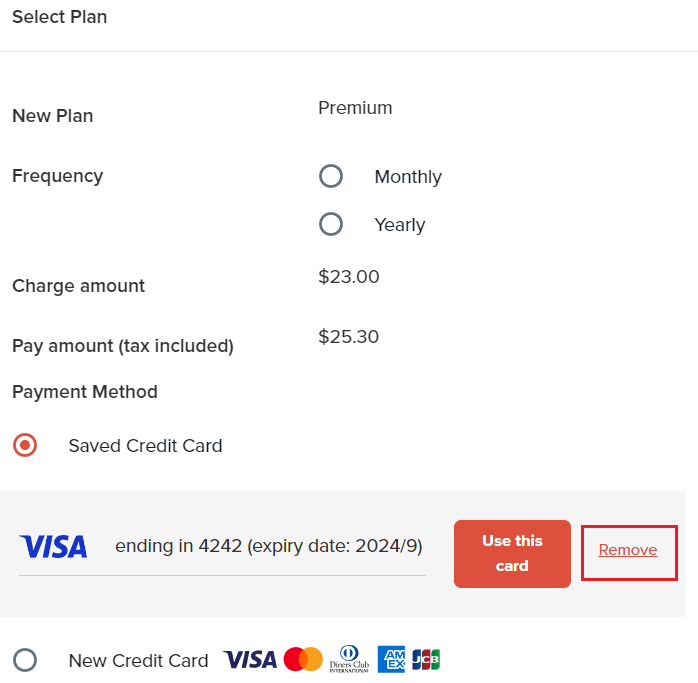
Choose a Payment Method>Saved Credit Card.
You will be able to see the brand name, last 4 digits number, and expiry date of the currently registered credit card.
Delete your existing credit card by clicking "Remove" button.